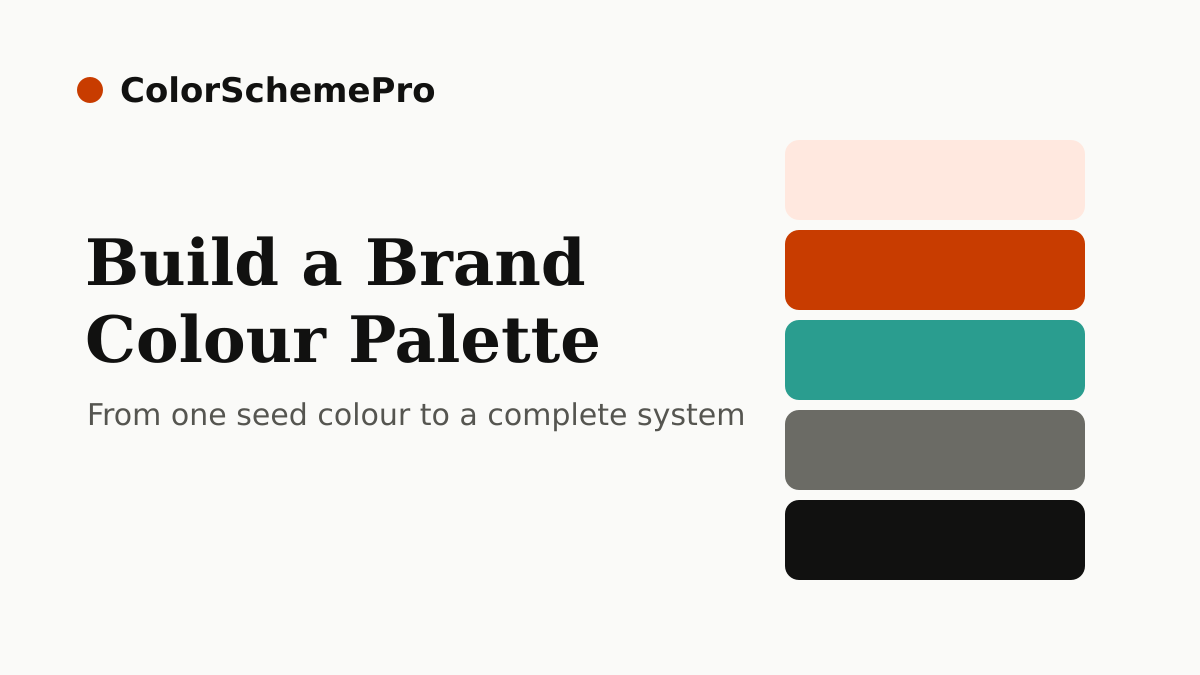
A brand colour palette is more than a few pretty hexadecimal codes. It's a carefully structured system that covers every colour scenario your brand will face — from website backgrounds and CTA buttons to social media graphics, presentations, and print materials.
This guide walks through building a complete, production-ready brand colour palette from scratch.
What a Complete Brand Palette Includes
Most brands need at least six distinct colour categories:
- Primary colour — the lead brand colour, used on logos, CTAs, and key brand moments
- Primary tints and shades — a scale of lighter and darker versions for hover states, backgrounds, and variation
- Secondary colour(s) — 1–2 supporting colours used for visual variety and hierarchy
- Neutral colours — off-whites, greys, and near-blacks for backgrounds, text, and borders
- Semantic colours — green (success), red (error/danger), amber (warning), blue (information)
- Dark mode variants — optional but increasingly expected for digital products
A simple 7-colour palette covering primary, tints, background, border, muted text, and dark text.
Step-by-Step Process
Choose the hue that best represents your brand personality. If you don't have one yet, read our guide on colour psychology in branding first. The primary colour anchors everything else.
Keep the hue constant; vary lightness from 90% (very light tint) down to 15% (near-black shade). Reduce saturation slightly as lightness increases. Name them numerically: 100, 200 … 900, with 500 as the "true" shade.
Use colour harmony principles — analogous (adjacent on the colour wheel) for a cohesive feel, complementary (opposite) for contrast and energy. Secondary colours typically appear in illustrations, section accents, and supporting UI elements.
Your neutrals do the heavy lifting — they're used for body text, backgrounds, borders, and dividers. Use a slightly warm or cool tint of grey (matching your brand hue temperature) rather than pure grey. A 9-step scale from near-white to near-black gives you everything you need.
These are functional colours — success (green), error (red), warning (amber), info (blue). Pick shades that work at 4.5:1 contrast against white and against your brand backgrounds. Keep them clearly distinguishable from your brand colours.
Run every text-on-background combination through a contrast checker. Pay special attention to: white text on your primary colour, dark text on light tints, and muted text on white backgrounds.
Encode the full palette as CSS custom properties (see below). This creates a single source of truth and makes theme updates trivial — change one variable and it updates everywhere.
CSS Variable Template
Here's a template structure for a well-organised brand colour system in CSS:
Pro tip: Define semantic aliases (--bg, --surface, --ink, --accent) that reference your base palette tokens. Your components use the aliases — so when you create a dark mode, you only override the aliases, not every token.
Common Mistakes When Building Brand Palettes
- Too many primary colours. One strong primary is more memorable than three "equally important" colours fighting for attention.
- Ignoring neutrals. Most of your UI is neutral colours — text, borders, backgrounds. A poorly considered neutral scale makes the whole design feel off.
- Pure black and pure white. #000000 and #FFFFFF rarely appear in polished design work. Use near-black (#111) and off-white (#FAFAF8) for a warmer, more considered feel.
- Skipping the semantic colours. Without defined error/success/warning colours, developers will pick arbitrary reds and greens that clash with your brand palette.
- Not documenting the palette. A palette that isn't written down gets lost. Document it in Figma styles, a design system, or at minimum a README with hex codes.
Enter your primary colour and get a complete colour system with CSS variables in one click.